PHOTO & VIDEO ARCHIVES
20TB external drives
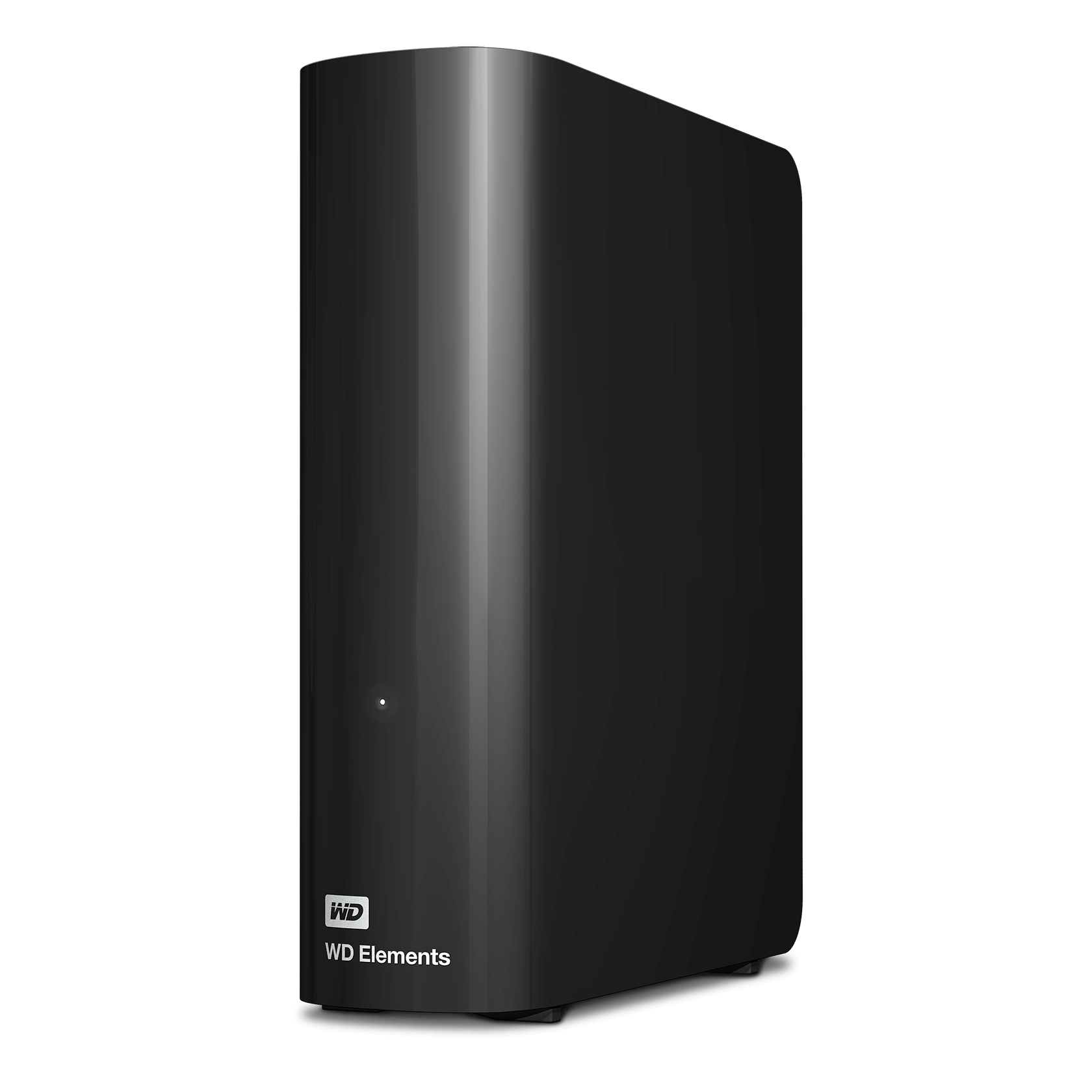 20TB desktop storage · Wall power included
OUR LEADING PICK · PROVISIONAL
WD Elements Desktop 20TB
WDBWLG0200HBK-NESN
Our first choice to shortlist for a large photo and video archive: dedicated wall power and useful 20TB transfer testing. It avoids the new One Touch’s dependence on power from the computer.
Research still incomplete. We have assessed 1 of 2 required independent video comparisons. Long-term superiority is unproven. How we picked ↗
Price snapshot, not a live quote or verified lowest price. USD before tax. Compare the cost of two copies before buying.
Learn more: connection, warranty & downsides
Includes an AC adapter and a USB-A data cable. A USB-C-only MacBook Pro needs a USB 3-capable USB-C adapter or compatible USB-C-to-USB 3 Micro-B data cable. Reformat the new drive for Mac use before copying your archive.
Warranty: 2-year US limited warranty.
Potential downside: Its enclosure ran warmer than an open SATA setup in one comparison. Leave ventilation clear. Owner reports include good media-backup experiences, but also bad sectors and an unreadable drive. Neither short tests nor anecdotes establish lifespan.
Testing & limits ↗Research updated October 20, 2026 · US 20TB desktop HDDs · Provisional shortlist
BEFORE YOU COPY YOUR FIRST PROJECT
Using a MacBook Pro?
The WD works with a Mac after setup. Here are the details that matter.
- Connect data and wall power. Use the included power supply. If your Mac has only USB-C ports, add a USB 3-capable adapter for the supplied USB-A cable.
- Format the new, empty drive. For a modern Mac-only archive, APFS is a suitable option; APFS (Encrypted) adds password protection. Formatting erases the drive. Keep the password safely.
- Check your workflow. Apple recommends APFS for Final Cut Pro. If you also need Windows access, consider exFAT for ordinary files and check app compatibility.
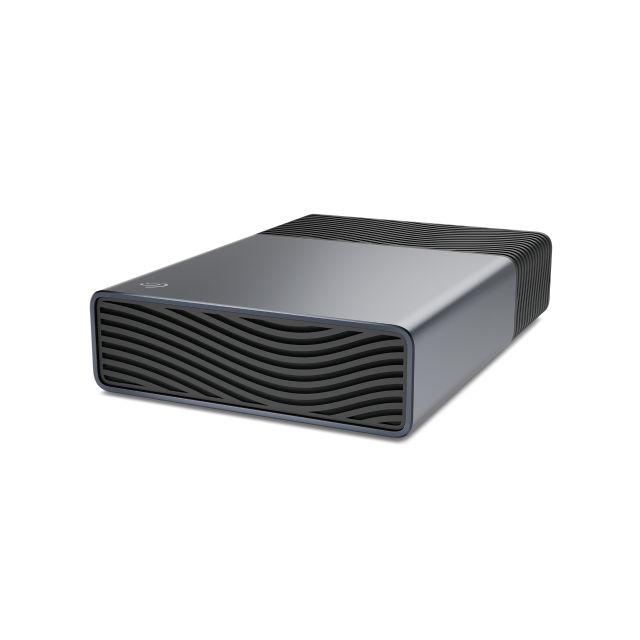
WHY IT ISN’T OUR PICK
Seagate One Touch Desktop 20TB
STNB20000400 · USB-C · 15W required
We would pass on this model for now: two exact-20TB B&H owners report power or disconnect problems, including one MacBook Pro M1. The cause remains unconfirmed.
These reports do not establish a failure rate. One reviewer reported stability on an M4 Mac; we cannot generalize to every MacBook Pro.
Read the exact-model owner reports ↗What changed from our earlier Seagate shortlist?
The earlier positive Seagate framing missed two 20TB-specific power/connection complaints. Its recommendation remains on hold. The WD is now the provisional lead, not a proven longevity winner.
No assessed video supported the earlier Seagate inclusion. Since then, one qualifying WD comparison has been assessed; the two-video requirement remains unmet.
Other contenders remain in the comparison below. No runner-up or third-place award is established. Product photos: Western Digital and Seagate. Purchase links go directly to the retailer.
Read the research & other contenders